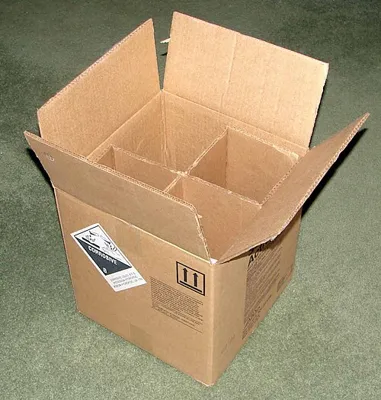
3D carton packing planner
See where each product sits inside a carton. Rotate the view, change the product orientation and check which layers fit.
Carton preview
Inside dimensions · cmDrag to orbit or use the arrow keys. Choose an item in the preview or list to highlight it.
- Items placed
- —
- Grid capacity
- —
- Loaded layers
- —
- Volume used
- —
Loading the example layout.
See all item positions
Offsets are measured from the inside left, front and bottom of the carton to the item's nearest corner.
| Item | Layer | Left (cm) | Front (cm) | Bottom (cm) |
|---|
How the fit is calculated
Subtract padding from both ends of each carton axis. Count complete items plus any gaps on each axis, then multiply the three counts. Auto tries all six axis-aligned orientations and uses the one with the most grid positions. A tie favors the shorter loaded stack for the requested quantity. Every unit uses the same orientation.
Use measurements from the actual parcel and do a physical trial. A staggered or mixed-orientation pattern may fit more items. Take fragility, compression, lifting and weight limits into account separately.
Logistics reference